Support FAQ & How to Contact Us
Last updated: October 16, 2026
This article explains how to contact Codex Health support, how to reach your clinical team, and how to get help with the Allie app.
Important Note About Response Times
Messages and support requests are not monitored in real time, and response times are not immediate.
🚨 If you are experiencing a medical emergency or need urgent medical attention, call 911 immediately.
Do not use the Allie app, chat, or email for urgent or emergency care.
How do I contact Codex Health support?
You can reach Codex Health support team in the Allie App, email, or phone. The Allie App and Email are recommended.
Contact Support with Allie
We recommend using the Allie app if you need assistance or have questions by following the steps below.
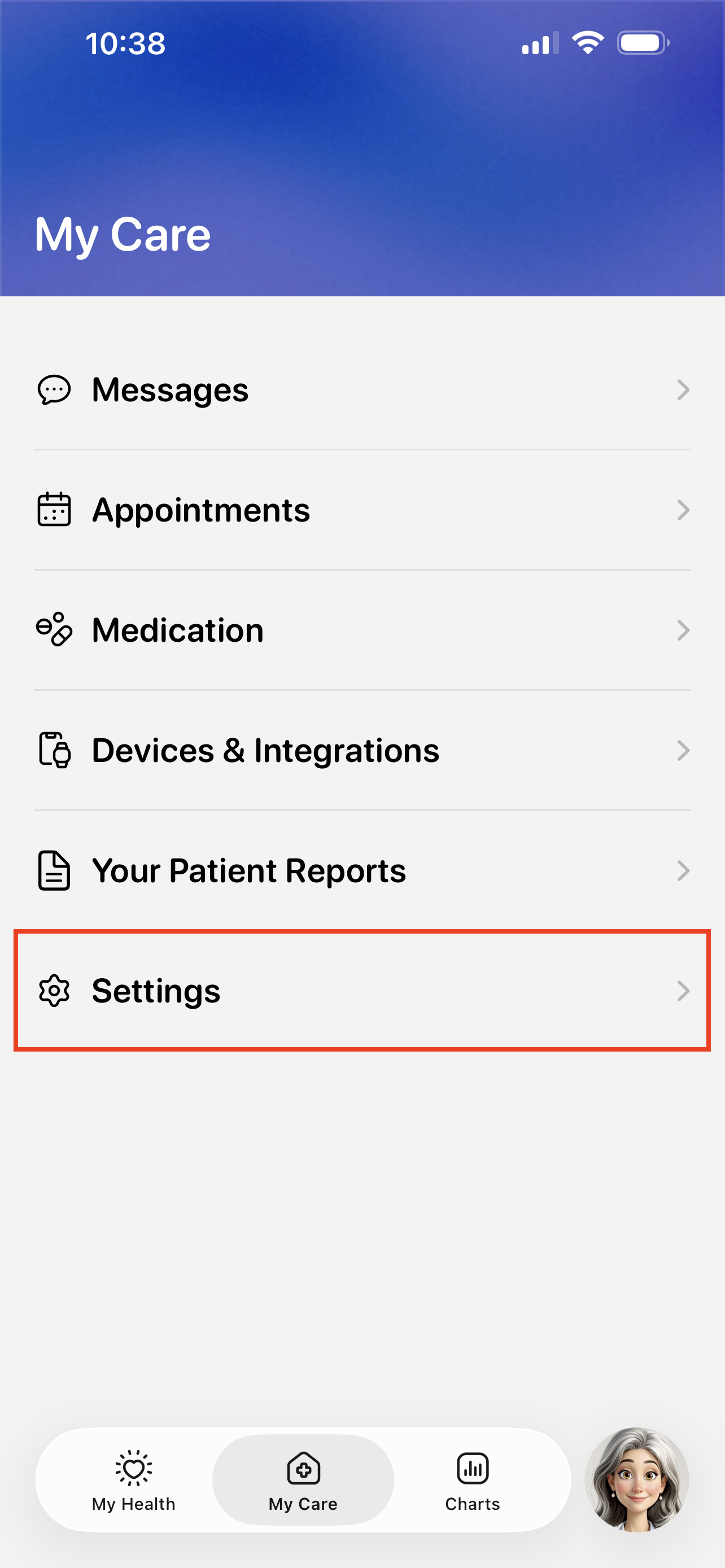
Visit the My Care > Settings.
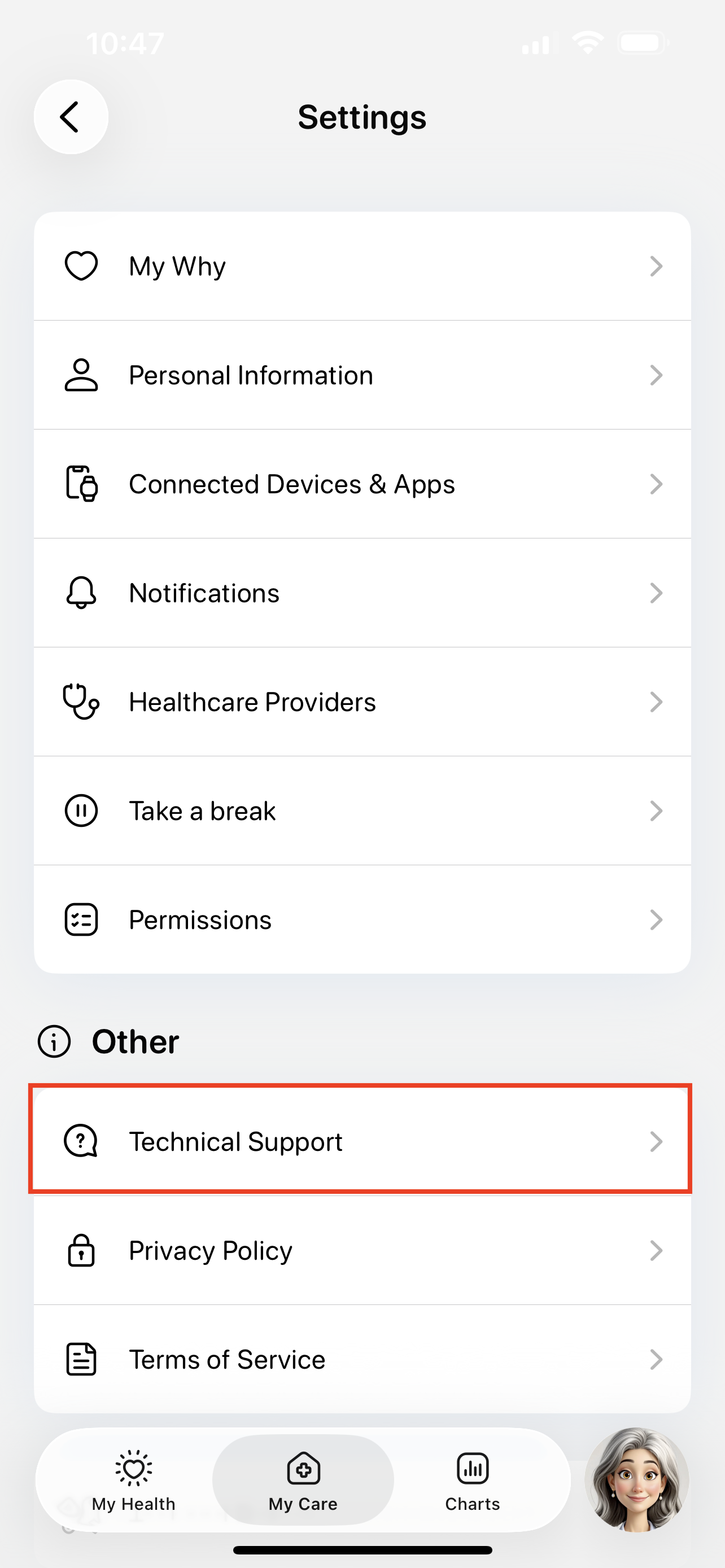
Tap the Technical Support button.
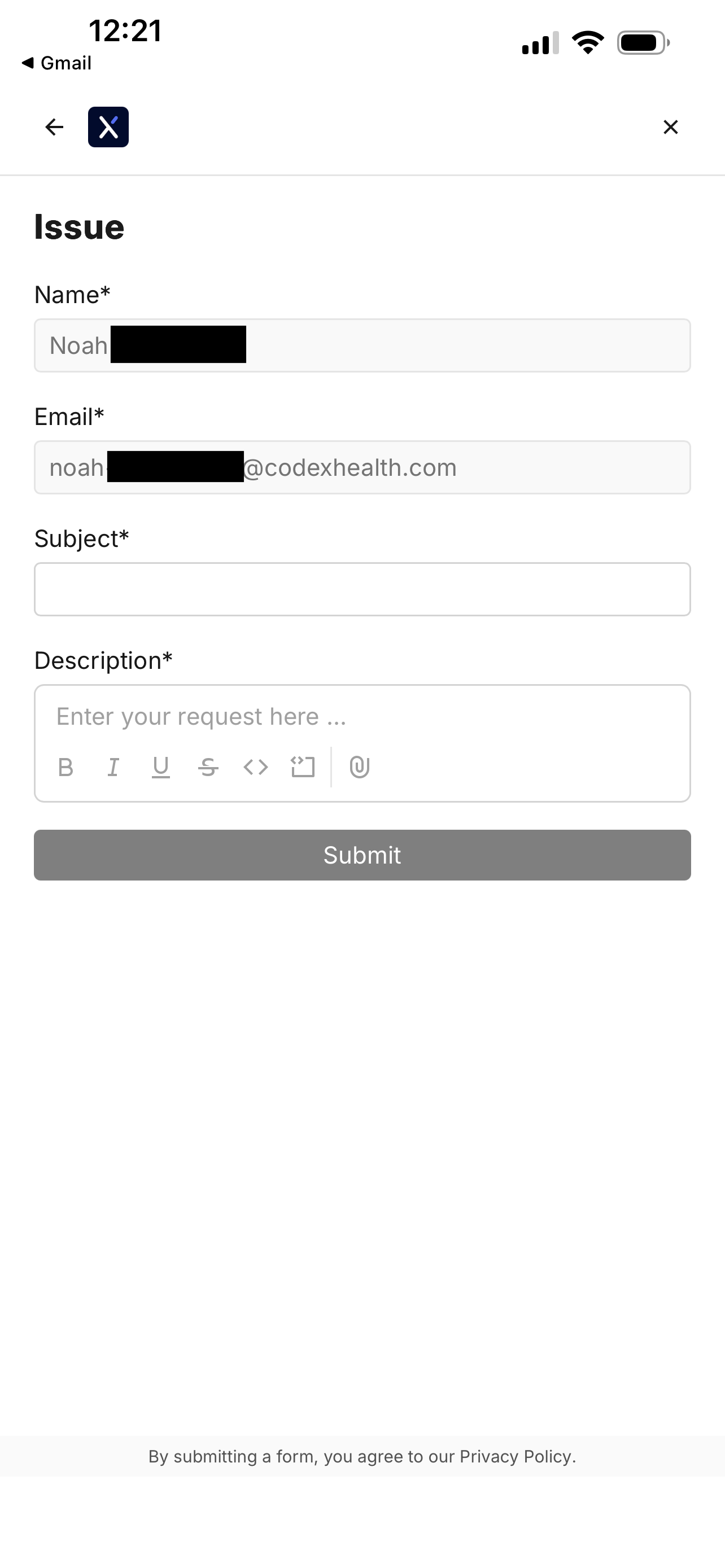
Tap the Issue button to start submitting a support ticket.
You can also use this page to search for existing guides, like how to troubleshoot device errors.

Fill out the support ticket and tap Submit.
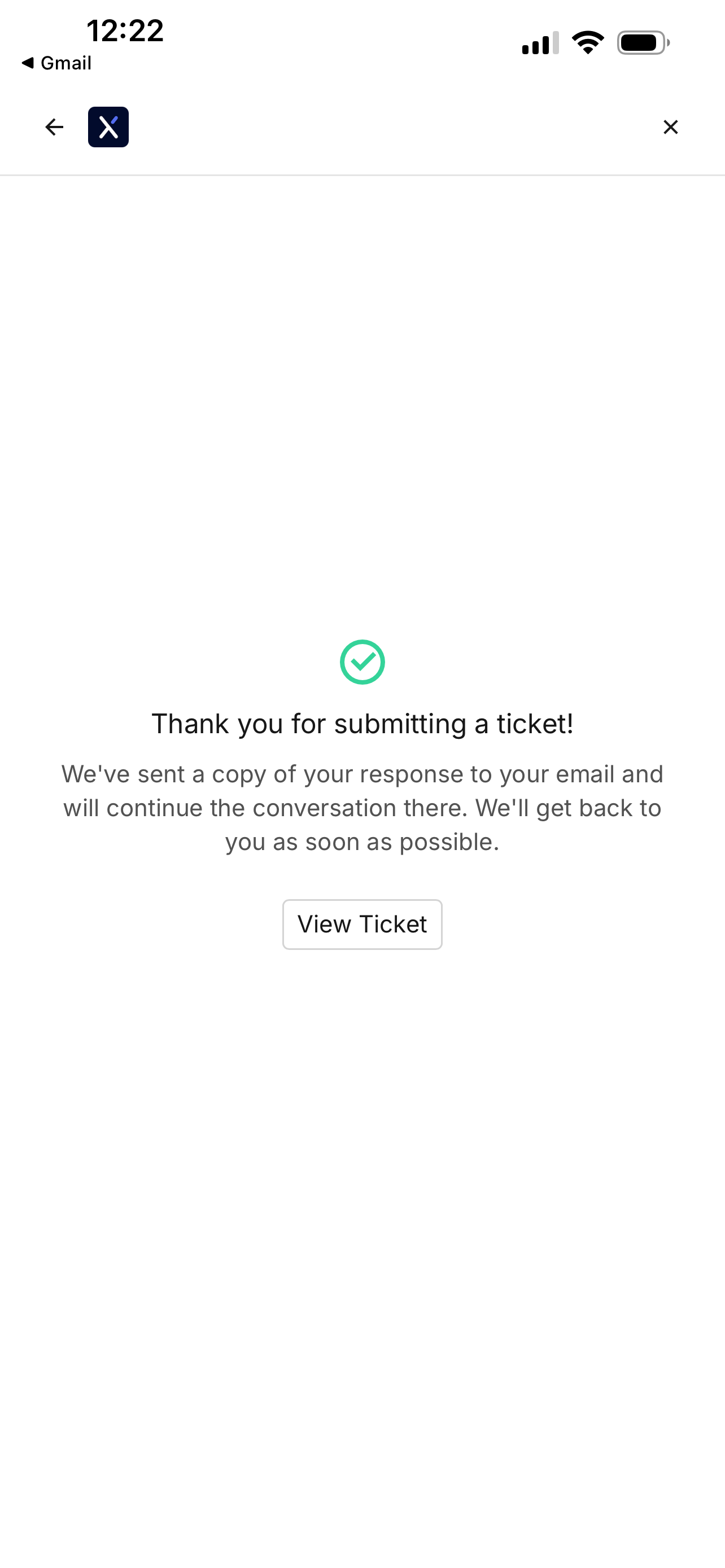
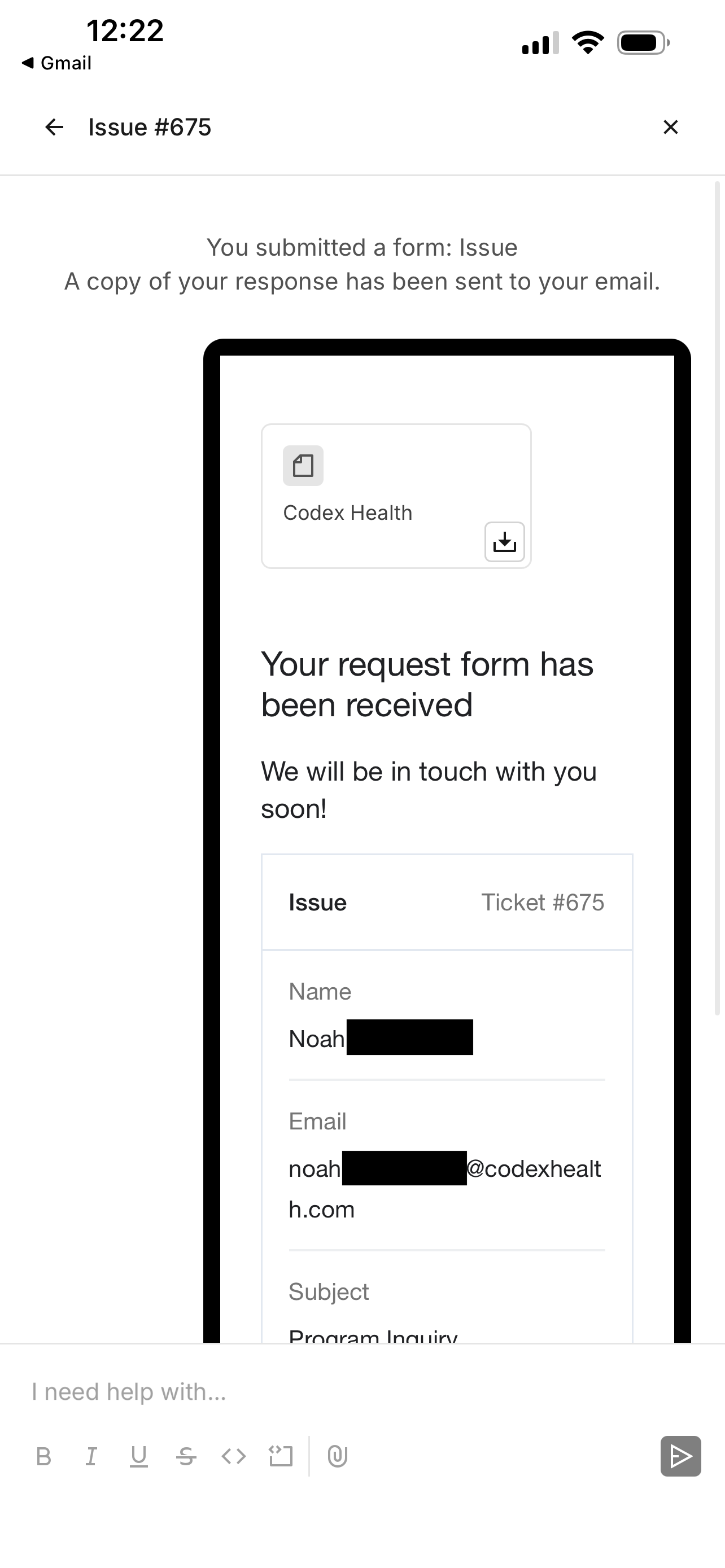
You will see a confirmation screen when your ticket is filed.
Revisiting the file ticket page will show your previous support tickets.

Tapping on a ticket will show any updates.
Email
📧 support@codexhealth.com
Phone (Patient Support Line)
📞 (650) 449-6616
When calling:
Press 1 if you are a new patient
Press 2 if you are currently enrolled in a Codex Health program
Our support team can help with:
App issues
Device questions
Scheduling or rescheduling
Technical support
General account questions
How do I reach the clinical team?
The clinical team is available only through the Allie app and cannot be reached by phone.
Please note: Messages to the clinical team are not monitored in real time.
To message the clinical team:
Open your Allie app
Tap the My Care tab at the bottom of the screen
Tap the Messages section
Type and send your message
Contact the clinical team for:
Medication questions
Symptoms or side effects
Health-related concerns
Care-related questions
To speak with the clinical team live:
Open the Allie app
Tap the My Care tab at the bottom of the screen
Tap the Appointments section
Schedule an appointment
🚨 If you need urgent medical attention, call 911.
What should I contact support for instead of the clinical team?
Please contact Codex Health support (not the clinical team) for:
Device issues
App troubleshooting
Scheduling or rescheduling appointments
Technical problems
General questions about Allie
Support requests are not handled in real time. For urgent medical concerns, call 911.
How do I change my tasks in the Allie app?
At this time, patients are not able to make changes to tasks directly in the Allie app.
If you need to:
Change the time of a task
Remove a medication you are no longer taking
Modify or update tasks
Please message your clinical team:
Open your Allie app
Tap the My Care tab at the bottom of the screen
Tap the Messages section
Type and send your message
Reminder: Messages are not monitored in real time.
🚨 For urgent medical issues, call 911.
How do I create a support ticket in the Allie app?
To submit a technical support ticket:
Open the Allie app
Tap the My Care tab at the bottom of the screen
Tap the Settings section
Underneath the "Other" section tap Technical Support
Submit your ticket
Tips for faster support:
Include as many details as possible
Describe the issue clearly
For technical issues, include a day and time you are available for a technical specialist to call you
Support tickets are not reviewed immediately.
If you need immediate help or are unsure who to contact, please call (650) 449-6616 or email support@codexhealth.com.
🚨 For medical emergencies or urgent symptoms, call 911.