Pairing Guides for Android
Last updated: October 26, 2026
Thank you for signing up for the Codex Health virtual monitoring program!

Now that your device has been delivered, please pair it with the Allie app on your Android.
This only applies to bluetooth devices, NOT Withings cellular devices. If you have any questions on what type of device you have, please follow the Contact Support instructions at the bottom of this page.
Important notes:
Do not pair your device with the Omron app or any other third-party app.
Devices should only be paired with the Allie app.
These instructions are for patients enrolled in a Codex Health program and are not intended for general Omron or ReliOn users.
Android
Use the links below to access step-by-step instructions for pairing your device to Allie on Android:
Blood Pressure Monitor
Connecting the Omron 5250, 7250, or 7255 Blood Pressure Cuff to Allie on AndroidGlucose Meter
Connecting the ReliOn Platinum Blood Glucose Monitor to Allie on Android
Contact Support with Allie
We recommend using the Allie app if you need assistance or have questions by following the steps below.
Visit the My Care > Settings.
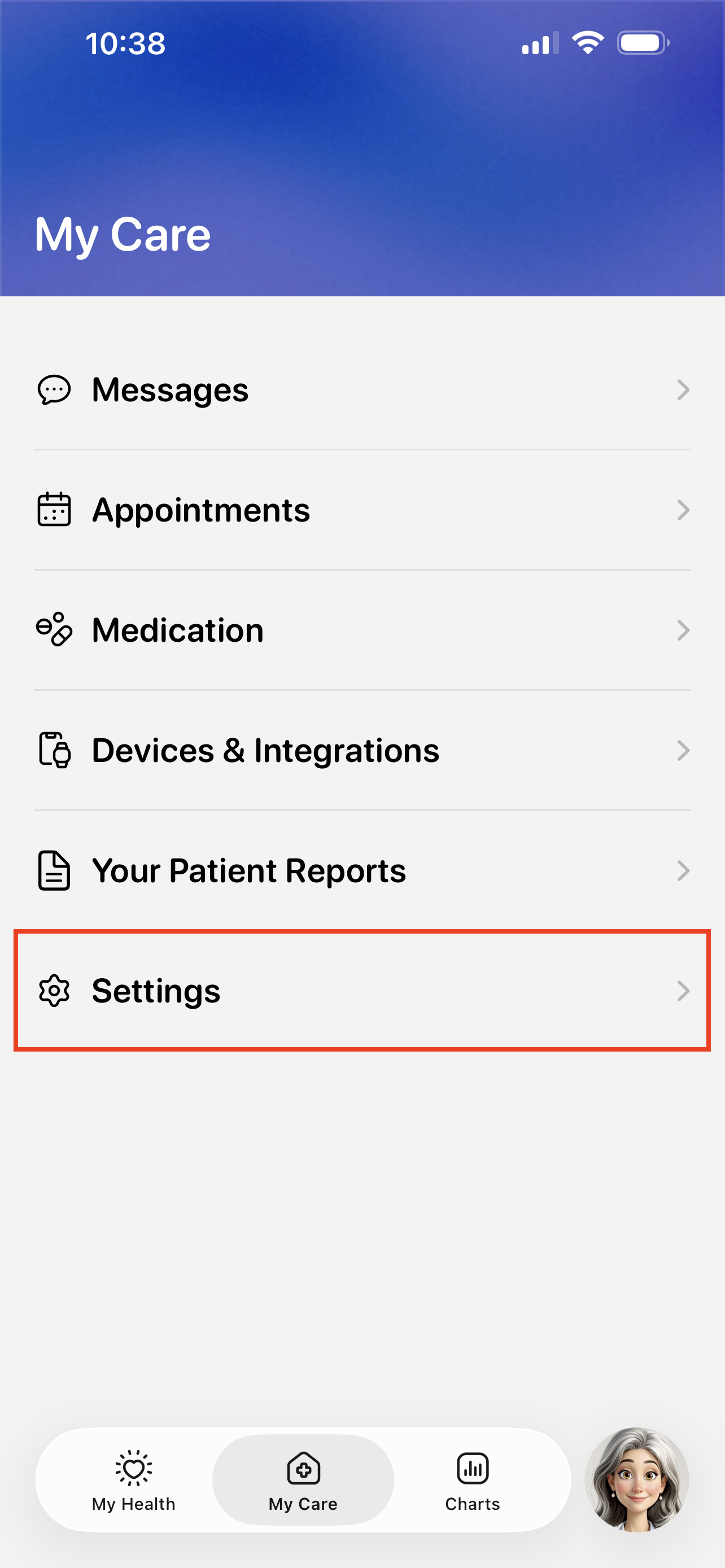
Tap the Technical Support button.
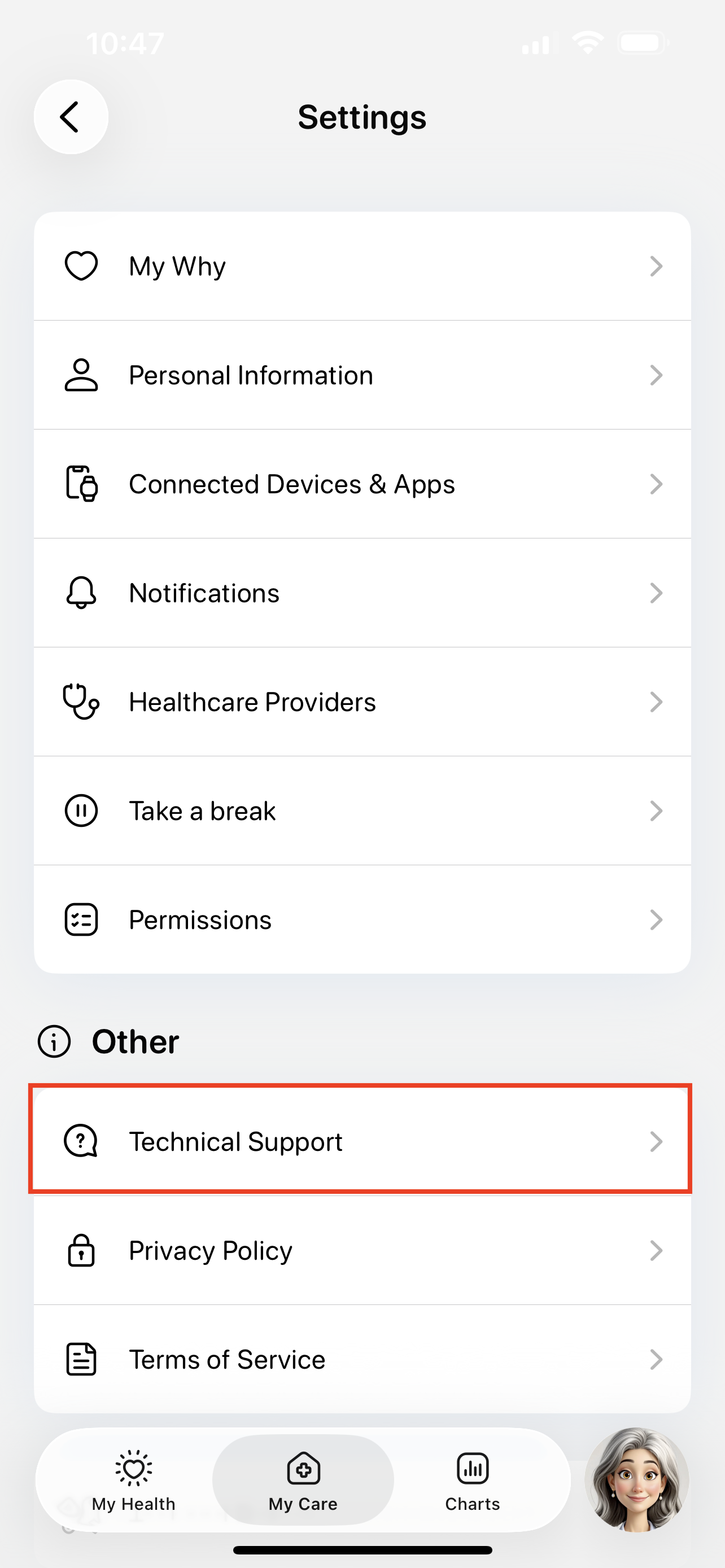
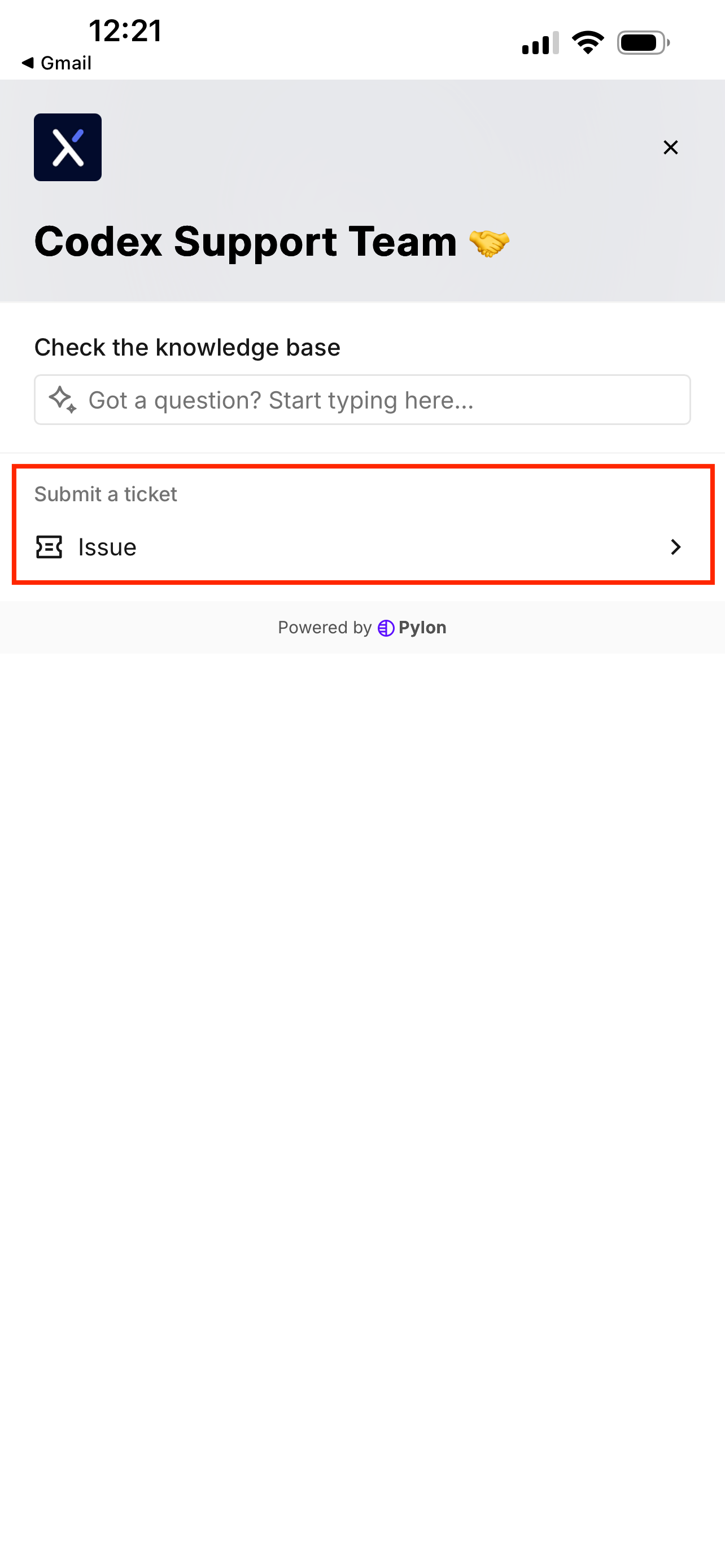
Tap the Issue button to start submitting a support ticket.
You can also use this page to search for existing guides, like how to troubleshoot device errors.
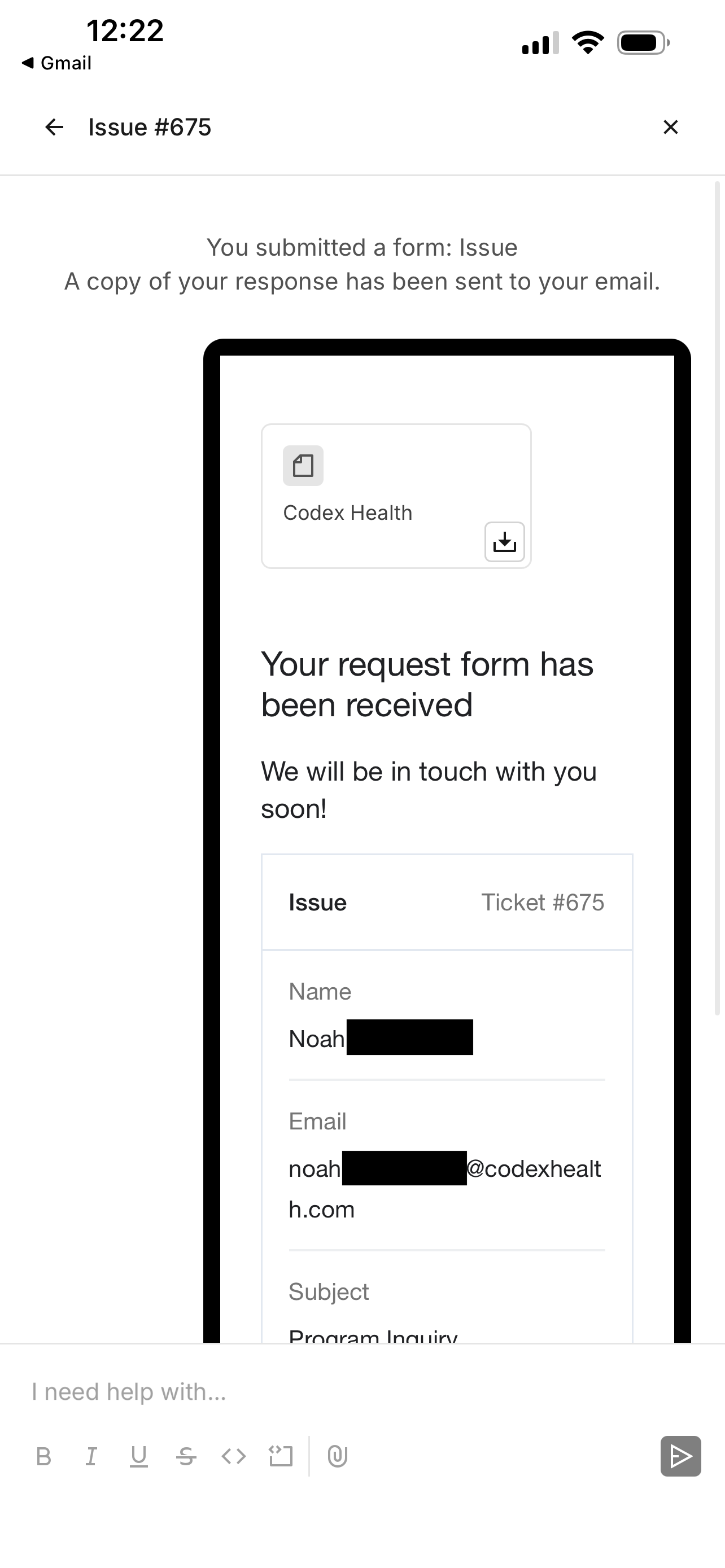
Fill out the support ticket and tap Submit.
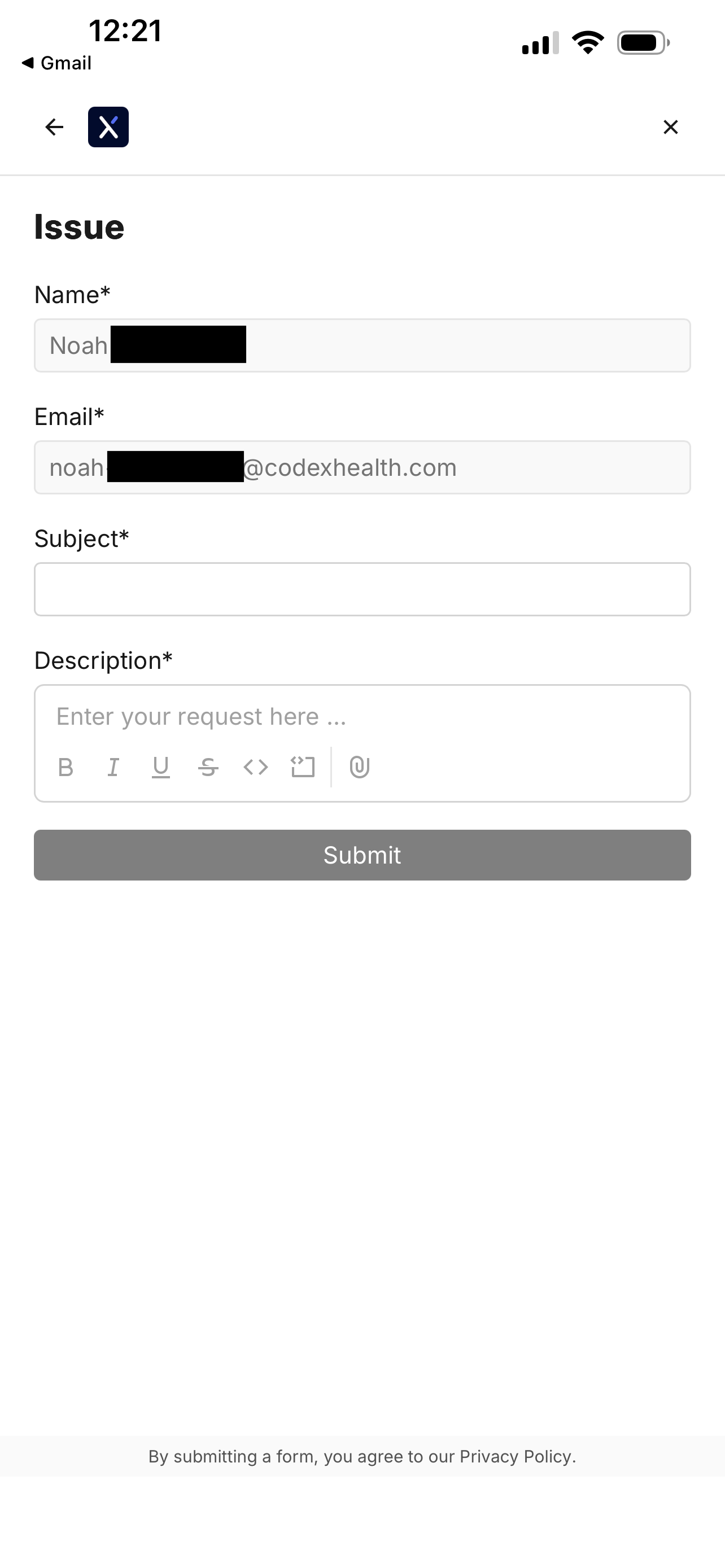
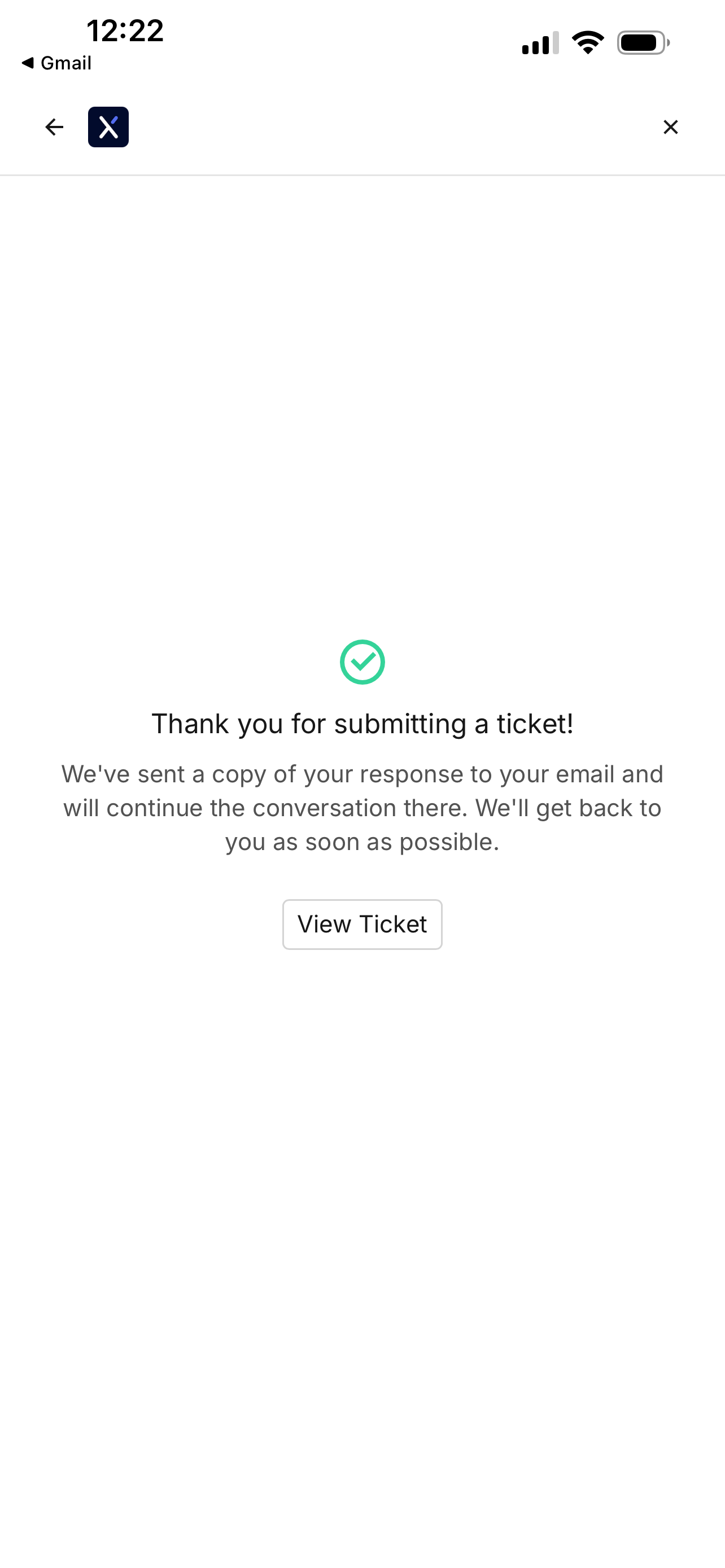
You will see a confirmation screen when your ticket is filed.
Revisiting the file ticket page will show your previous support tickets.
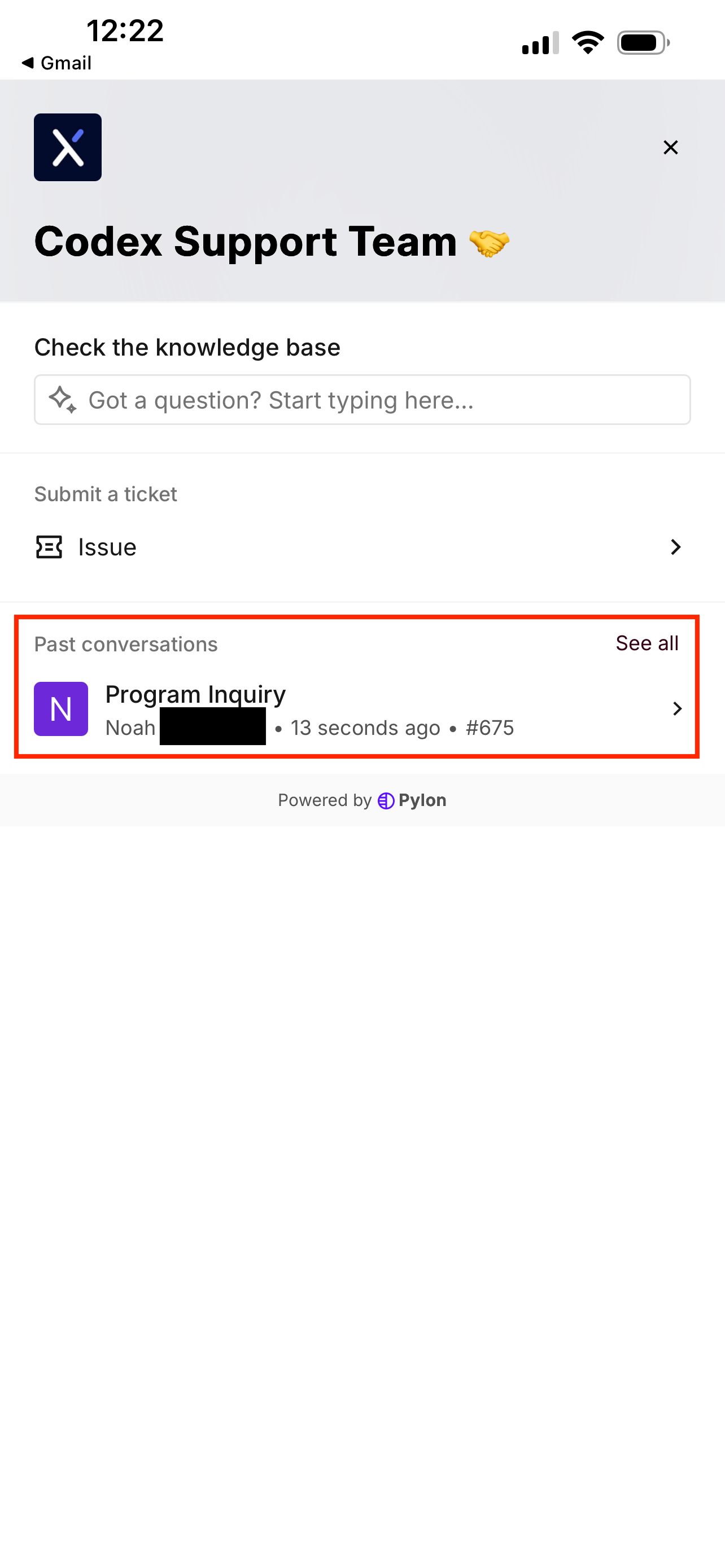
Tapping on a ticket will show any updates.